MiniMax H3 Image to Video AI
Drop in a photo and say what should happen next. You get back 4 to 15 seconds at up to 2K with the sound already in the file — and you can set where the shot ends as well as where it starts.
20 real prompts · Press Try this to load one
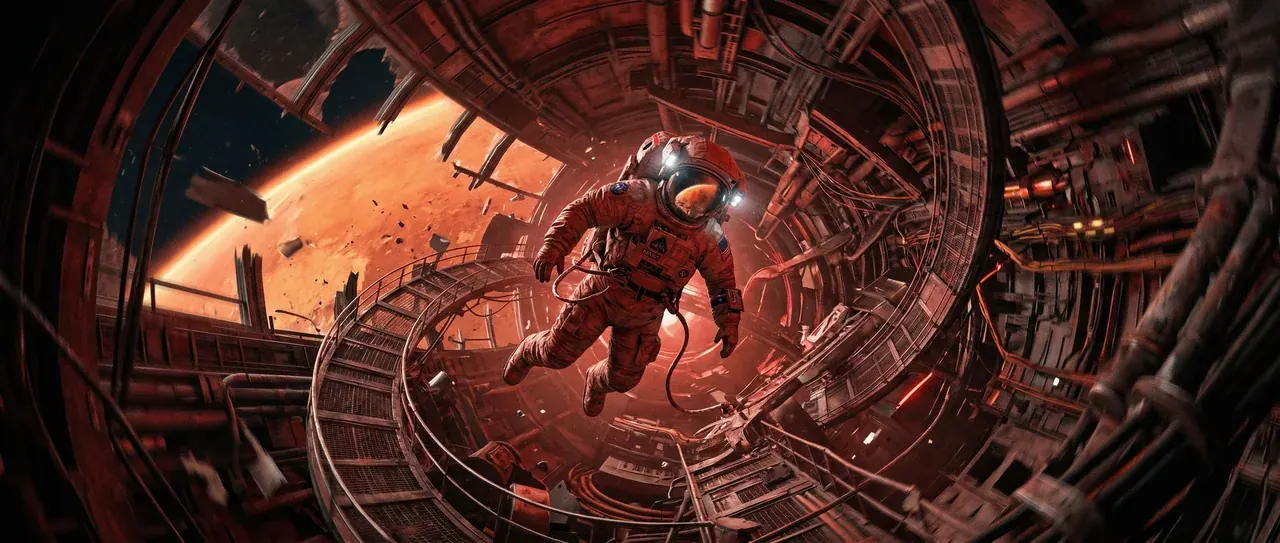
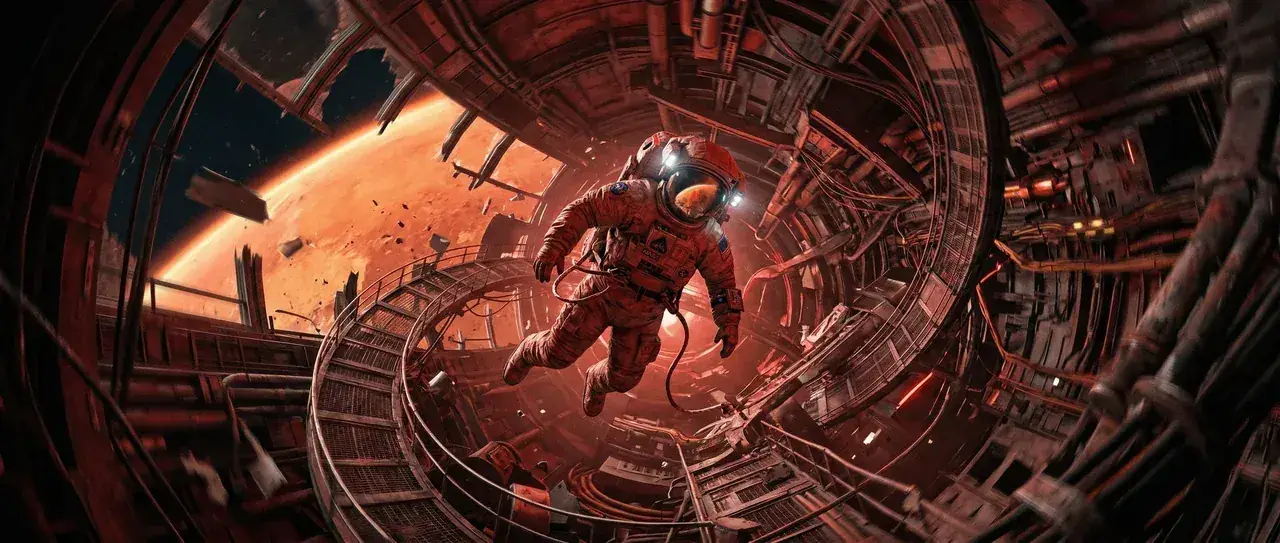 START FRAME · 21:9 · 768P
Spiral the camera around a still frame
What happens to your photo
What MiniMax H3 image to video AI
does with your photo
Your photo becomes the actual first frame — not a style reference, the literal opening of the shot.
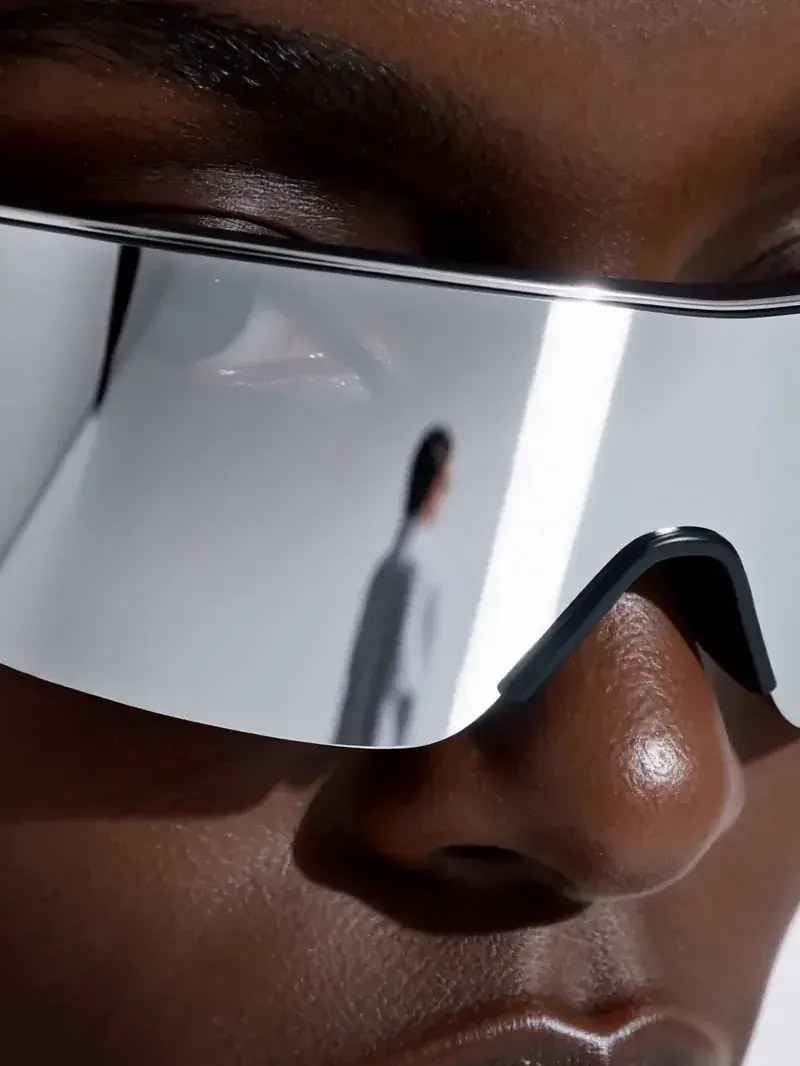
Frame 001 · yours
Generated from what you described
From there MiniMax H3 image to video AI moves the camera and the subject the way you described it, for any whole number of seconds from 4 to 15, at 24 fps in 768P or 2K. JPG, PNG, WEBP and HEIC all work, so a picture straight off your phone is fine.
- Your photo is frame one
- 001
- Any whole second
- 4–15 s
- Frame rate
- 24 fps
- Resolution
- 768P / 2K
Your photo is frame one
Any whole second
Frame rate
Resolution
- No style transfer
- No init strength slider
- No re-describing your photo
Three frame modes
Start here, end here, or both: three ways
to run MiniMax H3 image to video AI
Most tools give you one upload slot and call it image to video. You get three here, and the one almost nobody offers is the second. Pick by where your certainty is: if you know how the shot opens, give a first frame; if you know how it lands, give a last frame; if you know both, give both and let H3 join them.
Start here
I2VA
One photo as the first frame. Your video opens on your image and moves forward from it. This is the one you want for making a product turn on its stand, a portrait start speaking, or a landscape breathe.
How to write it
Describe what happens next, not what is already in the picture — the model can already see the picture. A prompt that just re-lists the contents of your photo wastes the only instruction you get.
- Rare
End here
L2VA
One photo as the last frame. Give H3 the ending instead and it works out a plausible opening, then converges onto your image on the final frame. This is how you build a reveal: the lid lifts and lands exactly on the product shot you already have.
How to write it
Write it backwards from the ending: say what state things must have been in for your image to be the final frame, then let the motion resolve into it.
Start → End
FL2VA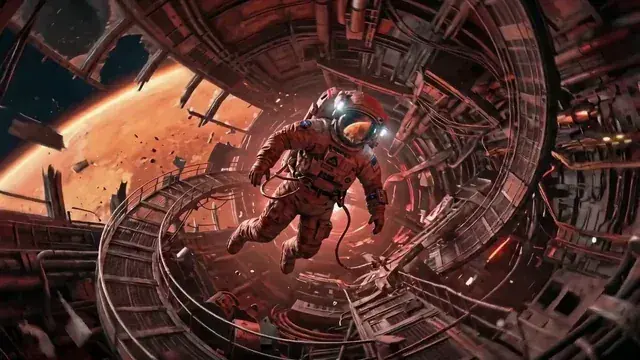
Two photos, a start and an end. H3 fills in the path between them. Before and after, a transformation, a change of scene. The closer your two frames are in subject, framing and light, the cleaner that path comes out.
How to write it
If they are wildly different, say what happens in between in so many words, or H3 will invent a transition you did not ask for.
More worked setups in prompt ideas — every one ships with its full structured prompt, and the prompt generator will write all three official fields from one sentence.
Consistency
Will it change my face?
Locking your subject in MiniMax H3
The first thing people ask, answered with the same photo run twice.
This is the first thing people ask, and it is a fair thing to ask. If your prompt only describes motion, everything you did not describe is left open, and the model is free to reinvent it somewhere around second three. Faces drift. Logos smear. A red bottle becomes a slightly different red bottle.
The fix is one sentence, and it goes in the prompt rather than in a setting. Describe your subject the way you would describe it to someone who cannot see it — hair, clothing, material, colour, where the logo sits — then say it stays unchanged for the whole clip. Appearance lock writes that clause for you from whatever you type in the box. Paste it at the end of any prompt and drift drops sharply, whichever of the three frame modes you are using in MiniMax H3 image to video AI.
Same input photo · two prompts
The input
The coat changes weave and the hairline moves. Nothing in the prompt said they should not.
Same camera move, same length, same seed conditions. The clause is the only change.
The only difference between them
The subject — red wool coat, dark fringe, silver ring on the left hand — keeps the same face, hair, clothing and colours throughout; only the camera and the described motion change.
Type what must not change. The clause below is what gets appended to your prompt.
Goes on the end of your prompt
The subject keeps the same face, hair, clothing and colours throughout; only the camera and the described motion change.
If you need the same person across several separate clips rather than within one, a first frame is the wrong tool for the job. That is an identity problem, not a composition problem, and reference to video is built for it.
Image requirements
What images work in MiniMax H3 image to video AI
Every value below links to its primary source, and the upload box at the top of this page checks all five before you spend anything.
iPhone photos work. HEIC and HEIF go straight in, which is worth saying out loud because most tools quietly make you convert first.
Drop a file in and you will see its dimensions, ratio and size checked against those limits before you spend anything — a rejected upload should cost you a second, not a generation. Over 30 MB, export at lower quality rather than shrinking the pixels. Outside the ratio range, crop rather than pad — letterbox bars become part of the frame and get animated too. The full guide covers the API's own first_frame and last_frame fields if you are sending these yourself.
Aspect ratio
Why MiniMax H3 picks the aspect ratio for you
For image to video the ratio is set to adaptive and read off your picture, so a vertical photo gives you a vertical clip without you touching anything. That is the opposite of text to video, where there is no image to read and you have to choose a ratio yourself.
Image to video · this page
ratio: adaptive
Read from the picture you uploaded. Editable, but it already knows.
Text to video
ratio: required
Adaptive is rejected outright — there is no image to infer a frame from.
You can still override it — ask for 9:16 and you get 9:16, cropped to fit. Worth doing when the clip has a fixed home: a 4:3 photo left on adaptive gives you a 4:3 video, which will sit in a letterboxed slab on a phone feed.
Pricing · 2K on every paid plan · No watermark
What one MiniMax H3 image to video clip costs
You are billed by output second rather than per attempt, so a 4-second test costs less than a 15-second final, and 2K costs more than 768P. A failed generation is refunded automatically. Sign in free for 30 credits on Agnes Video V2.0. MiniMax H3 and 2K come out of a plan or a credit pack.
How this is billed
- Billed by
- output second
- Failed generation
- refunded
- Your first clip
- free · 768P · no watermark
Same monthly credits either way
- FreeNo card
One clip with no account, on the free engine. MiniMax H3 itself is paid.
$0foreverNo credit card at any point
Start freeBot check only — no email
1 clip, no account
Agnes Video V2.0 · 16:9 · 5s · watermarked
Sign in free — 3 clips a day on Agnes, watermarkedAny pack from $9.9 unlocks MiniMax H3 — every mode, 768P and 2K
- MiniMax H3 at native 2KPaid only
- No watermarkPaid only
- One clip, no account
- 1 clip at a time
- Failed clips cost nothing
- Private generation
- Any pack unlocks MiniMax H3 on every mode
Free is a different engine. See plans
Speed & queue
- Queue
- Free lane
- Jobs at once
- 1
- Batch
- 1
- History kept
- 24h · 7 days signed in
- Support
- Community
- LiteSave 50%
Unlock MiniMax H3 at native 2K. The smallest paid plan — Pro is the one most people pick.
$24.9/mo$49.9$298.8 billed yearly · Save $300 a year
Choose Lite7-day refund · cancel anytime
1,290 credits / month · ~22 videos
4s · 768P · text to video
or ~17 at 4s 2K
Same credits monthly or yearly
- MiniMax H3 at native 2K — no watermark
- Dialogue, effects and music in the same file
- Up to 15 seconds15s
- ~22 videos a month at 4s 768P, text to video
- Failed clips cost nothing
- 7-day refund if credits are unused
- 1 job at a time · standard queue
- Batch 2 variants of one prompt
Personal and evaluation use — why
Speed & queue
- Queue
- Standard
- Jobs at once
- 1
- Batch
- 2
- History kept
- 7 days
- Support
- Email · 48h
- Recommended for mostProSave 50%
$50 more than Lite. ~125 videos a month, same MiniMax H3, faster queue.
$49.9/mo$99.9$598.8 billed yearly · Save $600 a year
Choose Pro7-day refund · cancel anytime
4,990 credits / month · ~125 videos
4s · 768P · text to video
or ~84 at 4s 2K
Same credits monthly or yearly
- Everything in Lite
- ~125 videos a month at 4s 768P, text to video
- Fast queue · 3 jobs at once3×
- Video-to-prompt
- Batch 4 variants of one prompt
- History kept for 7 days
- 7-day refund if credits are unused
Personal and evaluation use — why
Speed & queue
- Queue
- Fast
- Jobs at once
- 3
- Batch
- 4
- History kept
- 7 days
- Support
- Email · 12h
- StudioSave 50%
A full month of volume, first in line, and a human who answers in 4 hours.
$99.9/mo$199.9$1,198.8 billed yearly · Save $1,200 a year
Choose Studio7-day refund · cancel anytime
12,990 credits / month · ~325 videos
4s · 768P · text to video
or ~217 at 4s 2K
Same credits monthly or yearly
- Everything in Pro
- ~325 videos a month at 4s 768P, text to video
- Priority queue · 8 jobs at once8×
- Batch 4 variants of one prompt
- History kept for 7 days
- Priority support in 4 hours
- Lowest credit burn we offer
- 7-day refund if credits are unused
Personal and evaluation use — why
Speed & queue
- Queue
- Priority — first in line
- Jobs at once
- 8
- Batch
- 4
- History kept
- 7 days
- Support
- Priority · 4h
Questions people actually ask
MiniMax H3 image to video AI FAQ
Fourteen answers · all visible · nothing collapsed
What image formats can I upload?
What image sizes work?
Can I use only a last frame, with no first frame?
Can I set both a first and a last frame?
Will it change my subject's face?
Do I have to pick an aspect ratio?
How long can my clip be?
Can I get 2K from a photo?
Does the output have sound?
Can I animate a product photo for an ad?
Why did my subject drift halfway through?
Do I need to sign up to try this?
Is my free result watermarked?
Can I use the videos commercially?
One photo is enough to find out.
Sign in free for 30 credits — then generate from a still.
Generate free