MiniMax H3 Video to Prompt
Watch a clip, get the prompt that could make one like it — all three fields, in the order H3 expects.
Your structured prompt
integrated_multimodal_descriptionshots · camera · dialogueoverall_soundscapewhat the scene makesnon_diegetic_musicor None.
Split into fields, not prose — with the timestamps already refitted.
Try a sample clip: , ,
Before you copy
- Style is fine; a recognisable work is not.
- Real, identifiable people need consent.
- Describe a mood, not a specific song.
Your first clip on this site is free — no card.
What comes back
What MiniMax H3 video to prompt
actually extracts
A prompt, not a caption.
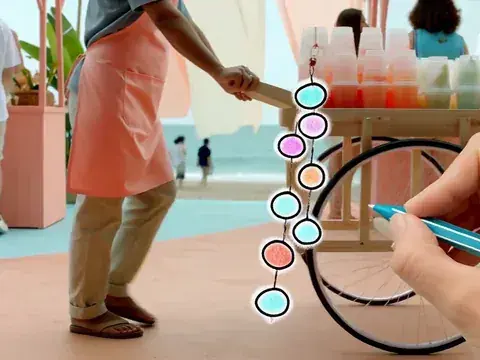
Your clip
Read out as fields, not prose
MiniMax H3 video to prompt watches your clip — the frames and the audio — and writes back the structured prompt that could produce one like it: a numbered shot list with camera moves and timestamps, the scene's sound, and the score, in the three labelled fields H3 reads. Generic tools return a paragraph about the picture. H3 does not take paragraphs, and half of what your clip is doing is audible. Paste a link or drop a file; the extraction is free and needs no account.
- Passes over the clip
- 7
- Labelled fields out
- 3
- Source it will read
- ≤ 60 s
- Timestamps refitted to
- 4–15 s
Passes over the clip
Labelled fields out
Source it will read
Timestamps refitted to
- No keyframe sampling
- No paragraph of prose
- No account
Five reasons to reverse a clip
Five things people take from a reference clip
Naming the target changes which pass matters most, how exact the wording has to be, and whether a written prompt is even the right vehicle.
Style
GRADE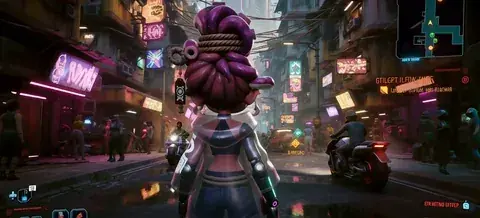
Grade, light, texture — the look before anything moves.
Composition
FRAME
Framing and blocking: where things sit and how the eye travels.
Motion
PATHChoreography and camera path, written as type, amplitude and speed.
Sound
MIX
The mix that makes it feel expensive, in three layers.
Character
WHO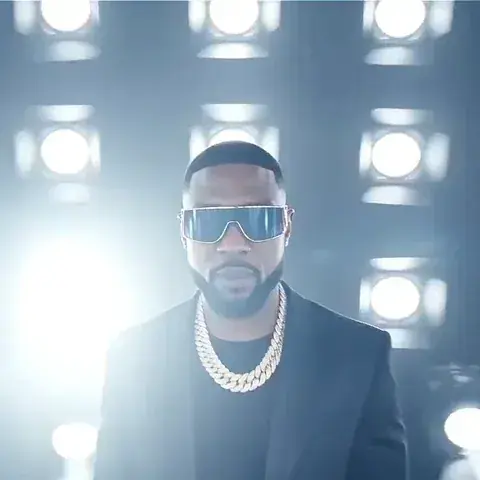
Who is on screen — and the one goal that starts with consent.
Likeness line, below
A dance clip and a perfume ad might share a grade, but you would reverse them for opposite reasons — the first for its motion, the second for its light. Pick the goal in the extractor and the emphasis shifts with it.
The method
From footage to fields: the seven passes
The extraction reads a shot the way the official prompt guide orders one: composition, subject, environment, action, camera, sound — and the exact moment each referenced thing appears.
Pass 01Cuts
How many shots there are and where they break.
[Shot n] · At 00:0x.xxx
Pass 02Composition
Shot size and camera height, read per shot.
Opens each shot
Pass 03Subject
Specific enough that a stranger could redraw it — "a woman in her early 30s, short black bob, oversized grey trench coat", never "a woman".
Subject description
Pass 04Environment
Place, weather and the direction of the light. H3 treats light as physics, so "window light from frame left" beats "beautiful lighting".
Environment description
Pass 05Action
What actually happens, in order.
Action description
Pass 06Camera
Written the way H3 executes it: type, amplitude, speed. "Slow push-in, small amplitude" survives the trip. "Smooth cinematic movement" does not — there is nothing in it to execute.
Camera description
Pass 07Sound
The three layers below, and the pass every other tool skips.
Two sound fields + dialogue
The pass others skip
The three sounds your clip is making
Keyframe tools sample stills, which means they analyse your clip on mute.
The extraction here listens, and splits what it hears three ways, because H3 takes each layer in a different place. The test between the last two is one question — could the people in the clip hear it?
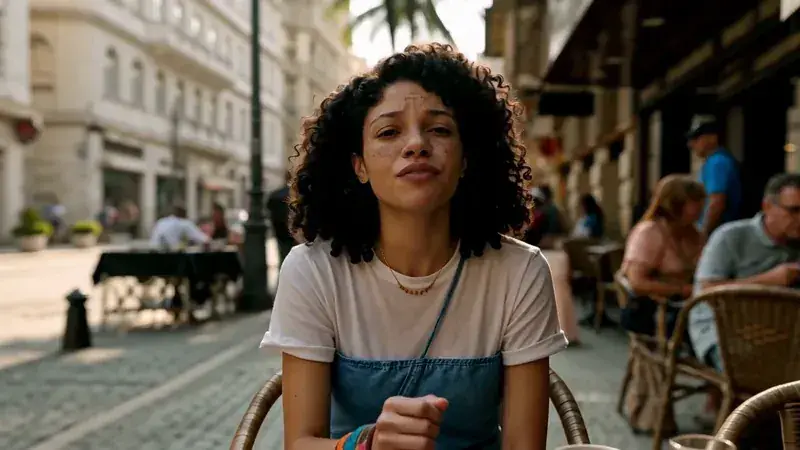
Dialogue
The words people actually say, transcribed with a speaker ID, a delivery and a language tag, landing inside the shot description.
(S1) says warmly, [English] …
Soundscape
Everything the scene itself produces: rain on an awning, a knife on a board, traffic two streets back — each source with a distance and a moment it lands.
overall_soundscape
Score
What only the audience hears: instruments, tempo, where it swells and where it stops. If the clip has none, the field says None — itself an instruction H3 obeys.
non_diegetic_music
That split is why a MiniMax H3 video to prompt result has two sound fields at the end, and why a result without them wastes half the model.
Timeline remap
A 30-second clip does not fit a 15-second clock
H3 generates 4 to 15 seconds, and your reference probably is not that.
Your reference30s — filler dropped, beats re-spaced
H3 output4–15s at 24 fps
Copying its timestamps across unchanged breaks an explicit official rule — timing that contradicts the requested duration is rejected — so the extractor remaps instead. Pick a target length and the beats that matter (cuts, action peaks, sound events) are kept and re-spaced. Or drag out one section of the source and take only that; a tight four seconds usually reverses better than a loose thirty.
Two working numbers from testing: a shot with a real action change needs about three seconds, and a static mood shot survives on two — so eight seconds carries about two shots, fifteen about three. The picker shows the beats it kept and the beats it dropped, so you can veto the machine's taste.
Frames snap to H3's 17n+5 grid at 24 fps, and every remapped timestamp is checked against the duration you chose before you copy anything.
Honest routing
When MiniMax H3 video to prompt is the wrong tool
Preserve with the file, recreate with the prompt.
Learn from it
Why does this clip work?This page
Make one like it
A new clip in its spiritThis page
Keep it
Keep the framing, light or soundtrackReference to Video
Change it
Re-voice or continue the actual footageVideo to Video
Cannot upload it
Someone else's or private footageThis page — the only path
A prompt is a description, and a description is lossy on purpose. If the goal is learning why a clip works, or making a new one in its spirit, the loss is the point. If the goal is keeping the original framing, lighting or soundtrack, stop describing and hand H3 the clip itself — reference mode preserves what a rewrite can only approximate, and re-voicing or continuing the actual footage is video to video's job.
The one case where the prompt is the only path is when the source cannot be uploaded at all — someone else's footage, private material — because a description you wrote is yours in a way a copy never is.
Where the line is
Recreating someone else's clip: where the line is
Style is not protectable; a specific work is.
- StyleLearning that a clip leans on golden-hour light and a slow push-in is fine.
- A specific workReproducing a recognisable work shot for shot is not.
- A real personDescribing a real, identifiable person into a model is not either.
- MusicDescribe a mood and an instrumentation; do not reconstruct a specific song.
- Logos and productsProtected no matter how the video was made. If your output would be recognisable as someone else's work, ask them first.
Questions people actually ask
MiniMax H3 video to prompt FAQ
Twelve answers · all visible · nothing collapsed
What is MiniMax H3 video to prompt?
Will I get the exact same video back?
Why not use a generic video to prompt tool?
Should I just use the clip as a reference instead?
My source is forty seconds long. What happens?
Does it transcribe the dialogue?
What do I do with the prompt?
Is it legal to recreate someone else's video?
What can I paste or upload, and how long can it be?
Does it work on clips with no dialogue?
Is it free?
Can it go the other way — idea to prompt?
Paste the clip, read it back as a prompt.
Free, no account, and what you copy is yours to keep.
Generate free