MiniMax H3 Text to Video
Type what you want to see. MiniMax H3 text to video gives you a finished 4-to-15-second clip — picture, dialogue and soundtrack in one MP4, at 768P or 2K. No footage, no editing app.
13 real clips · Press Try this to load one
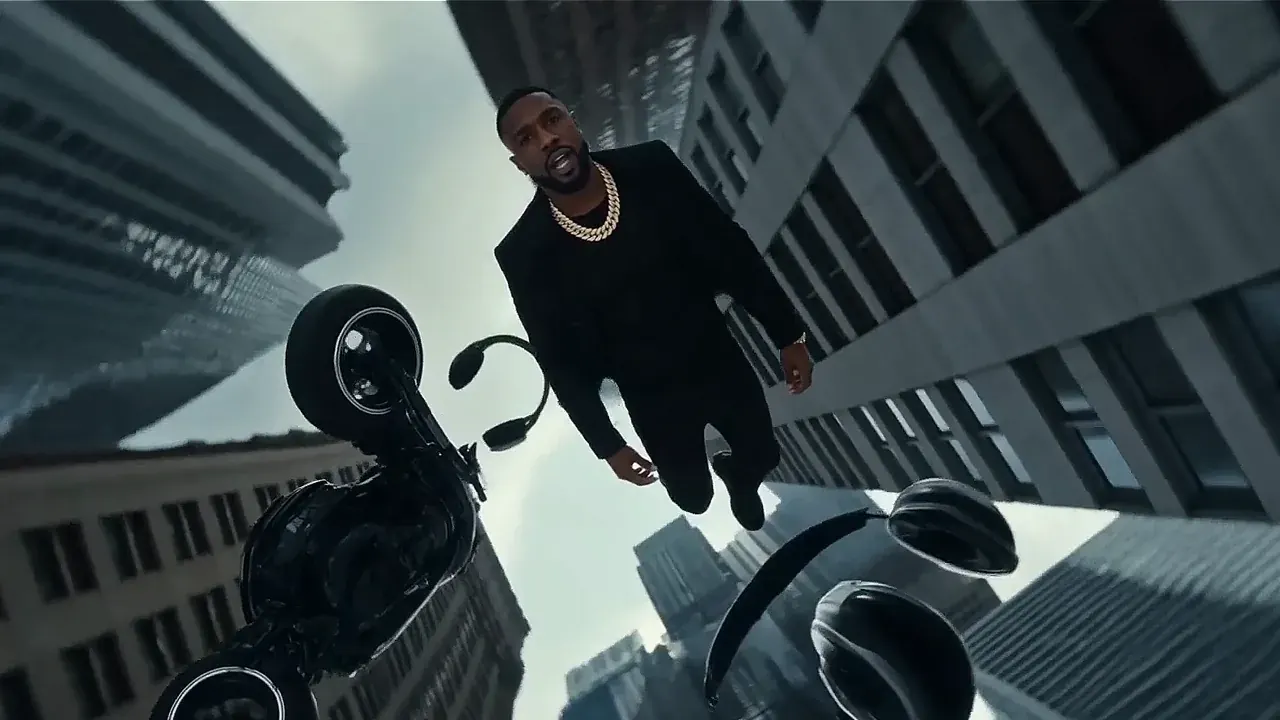
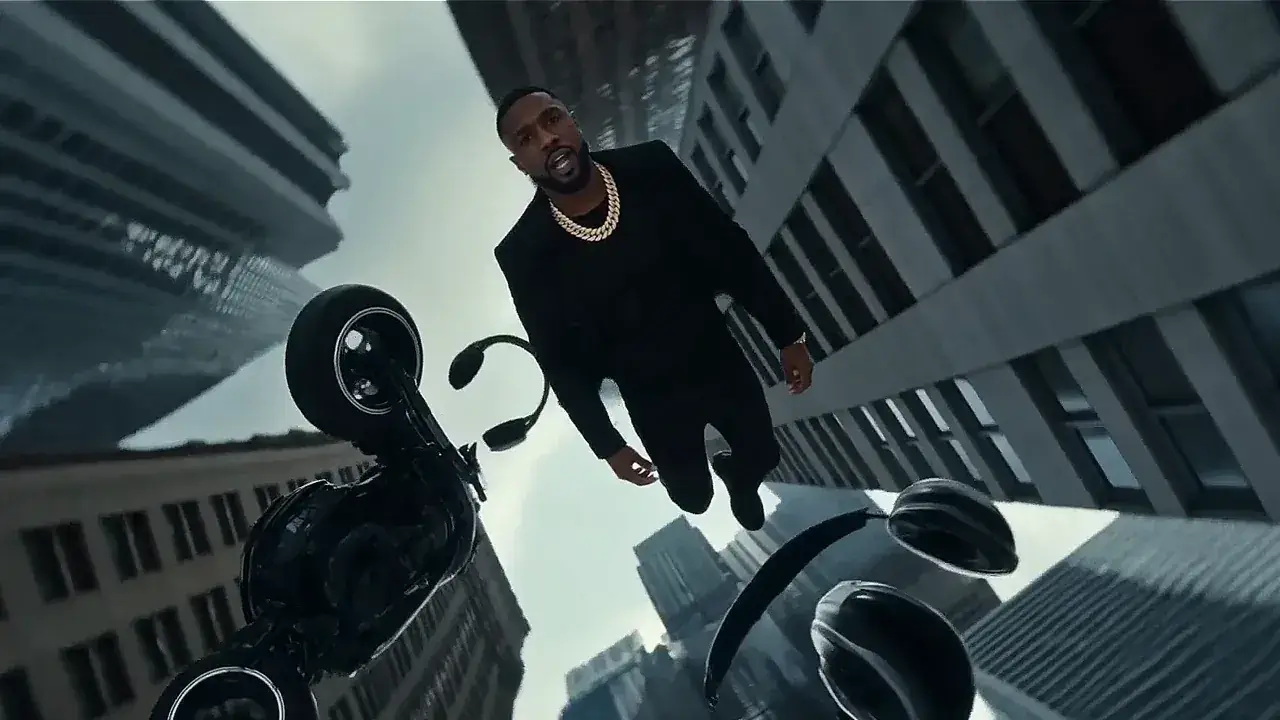 11s · 16:9 · 768P
Four scenes, one character
What one prompt gets you
What you get from one prompt
with MiniMax H3 text to video
Most text to video attempts die the same way. You write one sentence, the model fills in everything you did not say, and what comes back is nothing like the thing in your head.
You wrote
A woman walks down a street.
The model filled in the rest
- time of day?
- wardrobe?
- camera move?
- weather?
- sound?
- lens?
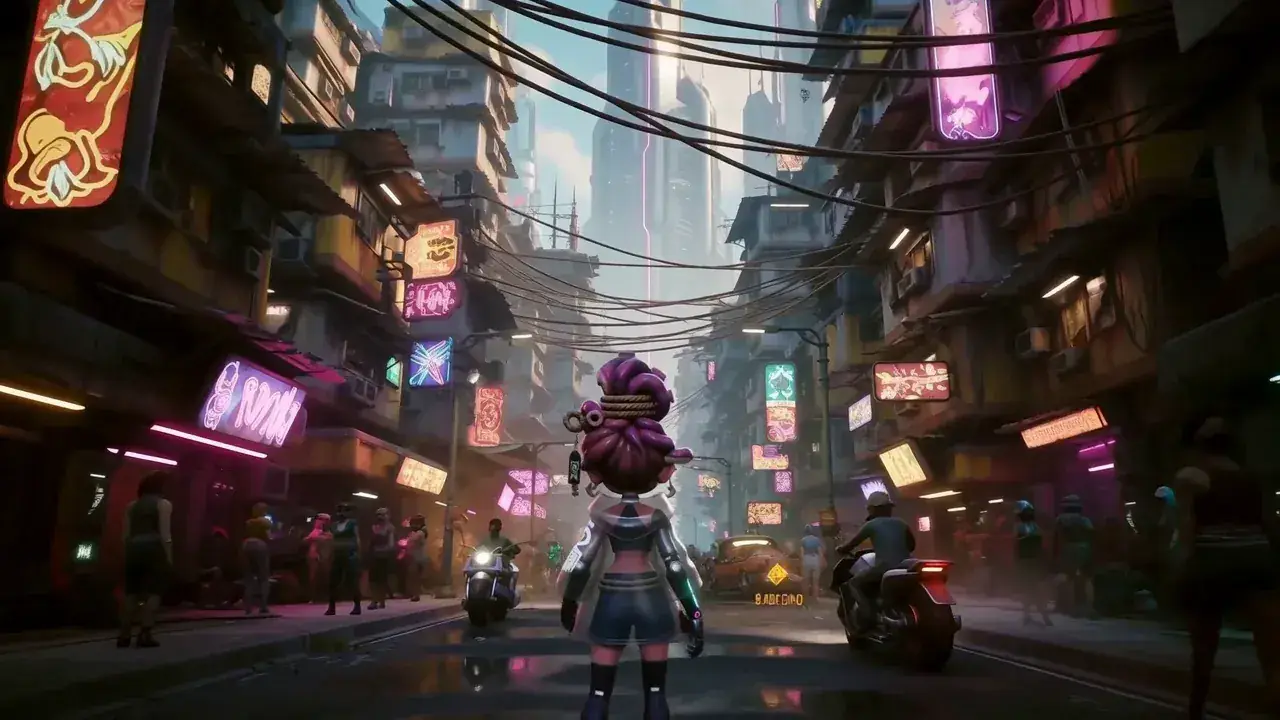 MiniMax H3 · 16:9 · 768P · 8s
MiniMax H3 text to video gives you room to say more — up to 7,000 characters — and returns any whole number of seconds from 4 to 15, at 24 fps, in 768P or 2K, with the dialogue, effects and music already in the same file as the picture. No source image, no storyboard, no editing app.
- Characters you can write
- 7,000
- Any whole second
- 4–15 s
- Frame rate
- 24 fps
- Resolution
- 768P / 2K
- Picture, dialogue, effects and music
- 1 MP4
Characters you can write
Any whole second
Frame rate
Resolution
Picture, dialogue, effects and music
- No source image
- No storyboard
- No editing app
Shot ladder
From one line to a shot: three ways to write
a MiniMax H3 prompt
One idea, three ways, each with the clip it produced — run all three and see what MiniMax H3 text to video is really reading.
Level 1
6 words

A woman walks down a street.
Drifts
Subject drifts between frames. The camera picks its own move.
Level 2
30 words
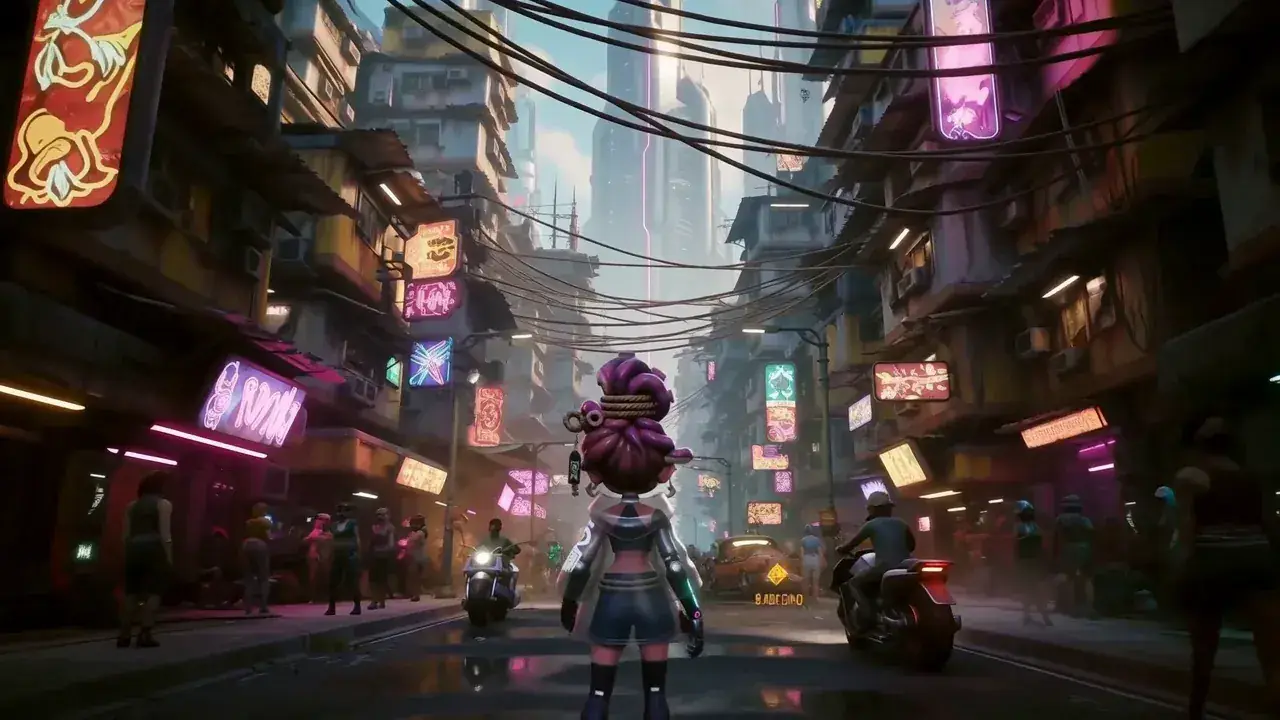 30 words
A woman in a red coat walks down a wet Tokyo alley at night, neon reflected in puddles, slow push-in with small amplitude, rain on metal and distant traffic.
Usable
The camera does what you asked and the rain is actually there.
- The structure the model was trained on
Level 3
Official fields
Official fields- integrated_multimodal_description
- [Shot 1] Red coat, wet Tokyo alley, slow push-in.
- overall_soundscape
- Rain on metal, distant traffic, footsteps.
- non_diegetic_music
- Low synth pad, slow pulse, under the dialogue.
Deliverable
Dialogue sits in front of the music because you said so.
More worked examples in prompt ideas — every one carries its full structured prompt.
Prompt builder
The MiniMax H3 text to video prompt structure, field by field
Fill three boxes, watch the prompt assemble itself, send it straight to the generator.
You do not have to guess at this. H3 was trained against a three-field structure, and once you write in it the model stops filling in the blanks for you.
Order locked
Where the words go
integrated_multimodal_description — the picture
Decides whether you get your shot or somebody else's.
- Framing
- Subject
- Environment
- Action
- Camera
- On-screen sound
Write in this order: framing, subject, environment, action, camera, then the sound that happens on screen. Number each shot with [Shot 1], [Shot 2].
overall_soundscape — what the room sounds like
Stops the music burying your dialogue.
Describe ambient sound, foley, and anything a microphone standing in the scene would pick up, in time order. If a spoken line matters, say it sits in front and everything else sits under it.
non_diegetic_music — the score
Music your characters cannot hear. The shortest field.
Give style, instruments, tempo and an emotional curve rather than a track name. A sentence or two is plenty — over-writing it is how people end up fighting their own soundscape.
Assembled prompt, live
integrated_multimodal_description
[Shot 1] Wide shot of a woman in a red coat, wet alley at night, slow push-in, small amplitude.
overall_soundscape
Rain on metal, distant traffic, footsteps in standing water.
non_diegetic_music
Low synth pad, slow pulse, sitting under the dialogue.
0 / 7000
The three fields run in this order and cannot be swapped.
Official output rules
- 01See it or hear it
- 02English description, native dialogue
- 03Keep the order above
- 04No plot summaries, no stray tags
- 05Never reorder the fields
Rather not write any of it? The prompt generator fills all three fields from one sentence, and the full guide covers the API too.
Camera and cuts
Camera moves and multi-shot timing in MiniMax H3
Write camera moves and nothing happens. H3 needs three things before it will move the camera at all: type, amplitude and speed.
push-in / pull-out / pan / tilt / orbit / handheld / crane / static
small / medium / strong
slow / steady / fast
It moves
slow push-in, small amplitude
camera moves
Ignoredslow push-in, small amplitudeThe frame closes on the subject and nothing else moves.
fast aerial push-in, large amplitudeLarge amplitude buys distance covered, not speed of cut.
medium handheld follow, medium amplitudeHandheld is a texture. Say it, or the shot comes back on rails.
Multi-shot timing
Outside the clip — whole generation lost
8s duration ends
Number your shots and timestamp the cut. Keep the last timestamp inside your chosen duration.
Already have footage you would rather restyle than rewrite? That is video to video.
Dialogue and sound
Dialogue and sound in the same MiniMax H3 prompt
Your characters can talk. The audio comes out of the same pass as the picture, at no extra charge.
The anatomy of a spoken line
Same pass · no extra charge
 (S1) / (S2) · 768P · 8s
Eleven stable languages
11
- Arabic
- Chinese
- English
- French
- German
- Italian
- Japanese
- Korean
- Portuguese
- Russian
- Spanish
The rule people miss
Keep the descriptive parts of your prompt in English, but write each spoken line in its own language.
(S2) replies firmly, [Japanese] 分かった。Right(S2) replies firmly, [Japanese] Understood.Wrong
Writing a Japanese line in English is the most common reason the delivery comes back wrong.
Need the same face or the same voice across several clips? Use reference to video.
Settings and limits
MiniMax H3 text to video settings, limits, and three things that trip people up
Every value below comes from the official API reference. Three of these rows are where people get caught.


- Duration
- 4–15 s, whole secondsSeveral sites list 5–15. The API reference accepts 4.
- Frame rate
- 24 fps
- Resolution
- 768P or 2K
- 01Aspect ratio
- 21:9 · 16:9 · 4:3 · 1:1 · 3:4 · 9:16 — required
- Prompt limit
- 7,000 characters
- 02Frame grid
- 17n+5 at 24 fps
- 03Seed / negative prompt
- not exposed
- Output
- one MP4, H.264 + AAC, audio already muxed
Source: Official · MiniMax API reference
The three things that trip people up
- 01
Leave the ratio blank and the call fails.
- 21:9
- 16:9
- 4:3
- 1:1
- 3:4
- 9:16
- adaptive
Image to video can stay on adaptive because it has your picture to infer the frame from.
- 02
Ask for 7 seconds and you may get 6.9.
17n + 5 frames @ 24 fps
- Requested
- 7.0 s
- Returned
- 6.9 s
Duration snaps to the nearest valid block. That is the model, not a bug.
- 03
No seed. No negative prompt.
7,000 characters here1,024 tokens on Veo 3.1Bar length = prompt budget
Control comes from saying what you do want, more precisely. Veo 3.1 gives you 1,024 tokens.
Pricing · 2K on every paid plan · No watermark
What one MiniMax H3 text to video clip costs
A 4-second test costs you less than a 15-second final, because you are billed by output second rather than per attempt. If a generation fails you are not charged at all. Here is what one 8-second clip costs here, next to the two models people usually shortlist against it.
One 8-second clip, list prices
- This page · 8s at 768P
- $0.64
- Veo 3.1 Standard · 1080p
- $3.20
- Seedance 2.5 · 720p
- $1.85
Vendor list prices, checked 2026-08-13. Full pricing.
Same monthly credits either way
- FreeNo card
One clip with no account, on the free engine. MiniMax H3 itself is paid.
$0foreverNo credit card at any point
Start freeBot check only — no email
1 clip, no account
Agnes Video V2.0 · 16:9 · 5s · watermarked
Sign in free — 3 clips a day on Agnes, watermarkedAny pack from $9.9 unlocks MiniMax H3 — every mode, 768P and 2K
- MiniMax H3 at native 2KPaid only
- No watermarkPaid only
- One clip, no account
- 1 clip at a time
- Failed clips cost nothing
- Private generation
- Any pack unlocks MiniMax H3 on every mode
Free is a different engine. See plans
Speed & queue
- Queue
- Free lane
- Jobs at once
- 1
- Batch
- 1
- History kept
- 24h · 7 days signed in
- Support
- Community
- LiteSave 50%
Unlock MiniMax H3 at native 2K. The smallest paid plan — Pro is the one most people pick.
$24.9/mo$49.9$298.8 billed yearly · Save $300 a year
Choose Lite7-day refund · cancel anytime
1,290 credits / month · ~22 videos
4s · 768P · text to video
or ~17 at 4s 2K
Same credits monthly or yearly
- MiniMax H3 at native 2K — no watermark
- Dialogue, effects and music in the same file
- Up to 15 seconds15s
- ~22 videos a month at 4s 768P, text to video
- Failed clips cost nothing
- 7-day refund if credits are unused
- 1 job at a time · standard queue
- Batch 2 variants of one prompt
Personal and evaluation use — why
Speed & queue
- Queue
- Standard
- Jobs at once
- 1
- Batch
- 2
- History kept
- 7 days
- Support
- Email · 48h
- Recommended for mostProSave 50%
$50 more than Lite. ~125 videos a month, same MiniMax H3, faster queue.
$49.9/mo$99.9$598.8 billed yearly · Save $600 a year
Choose Pro7-day refund · cancel anytime
4,990 credits / month · ~125 videos
4s · 768P · text to video
or ~84 at 4s 2K
Same credits monthly or yearly
- Everything in Lite
- ~125 videos a month at 4s 768P, text to video
- Fast queue · 3 jobs at once3×
- Video-to-prompt
- Batch 4 variants of one prompt
- History kept for 7 days
- 7-day refund if credits are unused
Personal and evaluation use — why
Speed & queue
- Queue
- Fast
- Jobs at once
- 3
- Batch
- 4
- History kept
- 7 days
- Support
- Email · 12h
- StudioSave 50%
A full month of volume, first in line, and a human who answers in 4 hours.
$99.9/mo$199.9$1,198.8 billed yearly · Save $1,200 a year
Choose Studio7-day refund · cancel anytime
12,990 credits / month · ~325 videos
4s · 768P · text to video
or ~217 at 4s 2K
Same credits monthly or yearly
- Everything in Pro
- ~325 videos a month at 4s 768P, text to video
- Priority queue · 8 jobs at once8×
- Batch 4 variants of one prompt
- History kept for 7 days
- Priority support in 4 hours
- Lowest credit burn we offer
- 7-day refund if credits are unused
Personal and evaluation use — why
Speed & queue
- Queue
- Priority — first in line
- Jobs at once
- 8
- Batch
- 4
- History kept
- 7 days
- Support
- Priority · 4h
Questions people actually ask
MiniMax H3 text to video FAQ
Twelve answers · all visible · nothing collapsed
What is MiniMax H3 text to video?
Do I have to pick an aspect ratio?
How long can my clip be?
Why did my 7-second request come back at 6.9?
How long can my prompt be?
Can I use a seed or a negative prompt?
Can I get 2K?
Does it really generate sound?
Which languages can my characters speak?
Do I need to sign up?
Is my free result watermarked?
Can I use the videos commercially?
One sentence is enough to find out.
No card, no account for one Agnes clip. After that, sign in free for 3 clips a day.
Generate free