MiniMax H3 Reference to Video
Give MiniMax H3 up to nine images, three clips and three voices, and it builds a new video that still looks and sounds like yours — 4 to 15 seconds, 768P or 2K. Your reference is not the first frame unless you say it is.
20 real prompts · Press Try this to load one

 2 STILLS · 9:16 · 768P
Two stills, four rooms
What happens to your files
What MiniMax H3 reference to video
actually does with your files
You upload material and the model builds a scene that obeys it.
MiniMax H3 reference to video takes up to nine images, three video clips and three audio clips — twelve files in total — and treats each one as a constraint rather than a starting point. Your character keeps their face in a place they have never been. What comes back is 4 to 15 seconds at 768P or 2K, sound already in the MP4.
- Images · clips · audio
- 9 + 3 + 3
- Files in one request
- 12
- Retention markers
- 8
- 768P or 2K
- 4–15 s
Images · clips · audio
Files in one request
Retention markers
768P or 2K
- No first frame unless you ask
- No style-strength slider
- No re-uploading per shot
Files vs subjects
Your files are not your subjects
Four photos of one actor are not four references. They are one subject, described by four files.
 role · frameAnchor
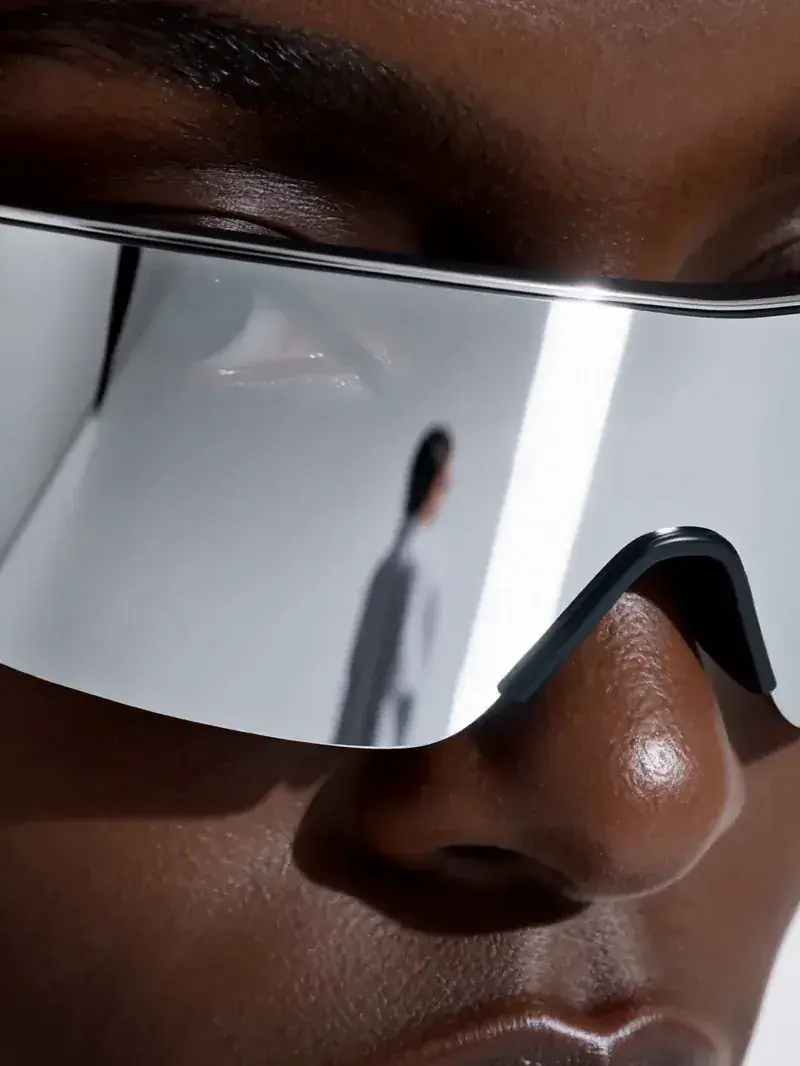
<Picture 1>Frame anchorDeclared as a frame anchor, the photograph stays its own file and the shot opens on it.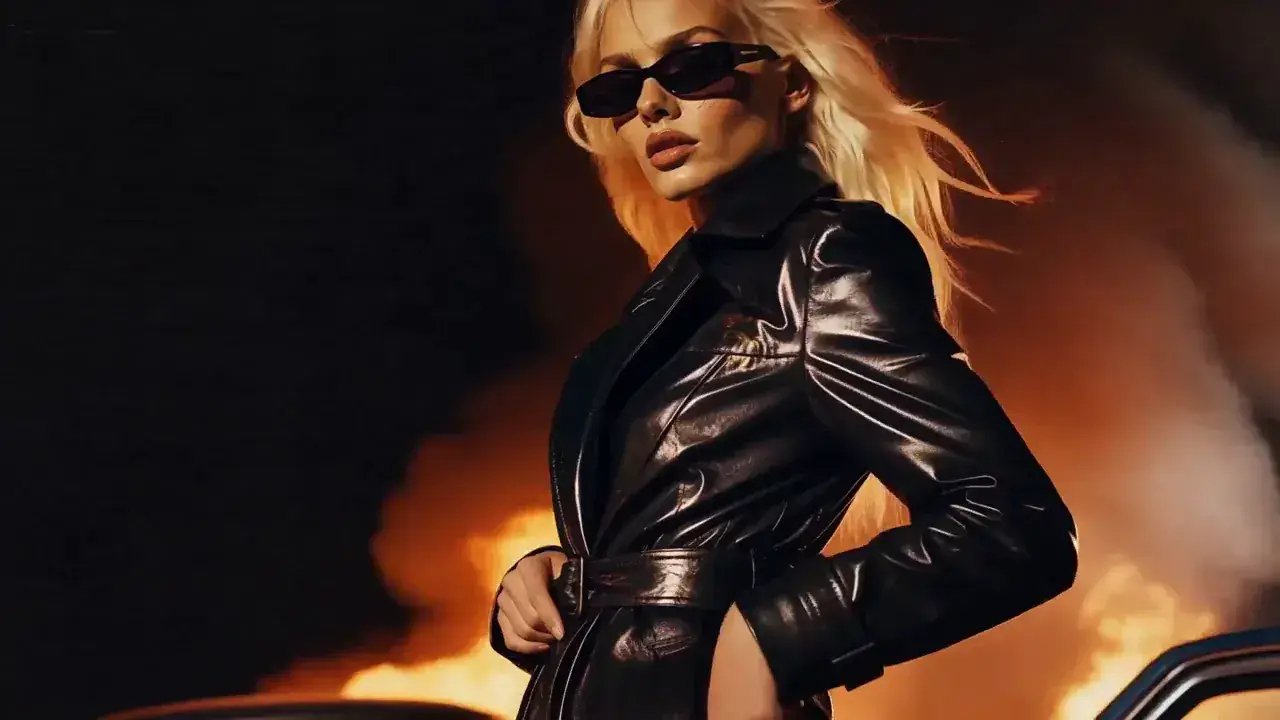 role · character
<Subject 1>IdentityDeclared as an identity, the same photograph describes a person the model then places somewhere new.
MiniMax H3 keeps those layers apart. A file is `Picture 1`, `Video 1` or `Audio 1`, numbered in upload order; a subject is the person, product or place those files describe. Group four portraits into `Subject 1` and the model defends one identity. Leave them ungrouped and it sees four lookalikes — that is where drifting faces come from.
One exception trips almost everyone. If an image is meant to be an actual frame, mark it a frame anchor and it stays its own `Picture 1` instead of joining a subject. Both clips above came from one photograph. If the shot must begin on your picture, use image to video.
What goes in
What you can reference, and the 12-file wall
Three kinds of material go in, each with a ceiling: nine images, three video clips, three audio clips.
Nine plus three plus three is fifteen, but the request accepts twelve files in total. You cannot fill all three. Decide early what carries the identity — usually the images — and spend what is left around it.
- Output
- 4–15 s at 24 fps · 768P or 2KMiniMax's own API takes 4–15 whole seconds. fal lists 5–15. The open-weight path floors at 5.
- Official
A reference clip may be longer than the video you are making, so pick the segment you want. Upload nothing and the request quietly turns into text to video. The counter above the prompt box tracks it in files and in money.
Retention markers
Copy, transfer or reference? The eight retention markers
Here is the mechanism behind almost every complaint about this mode. Every label you define gets a fate, and you declare it. MiniMax H3 reference to video reads eight markers in two sets, and reaching into the wrong set is an error.
Visual
For anything you can see — images and video.
fully_preservedKeep exactly
Faces, costume, the label on a bottle.
Same face, same coat, new city.
partially_preservedKeep most of it
Still this subject, some features changed.
Same person, new coat.
attribute_transferMove it onto someone else
Move the trait onto somebody else: a walk from your reference clip, performed by your character.
Your mascot, that dancer's walk.
weak_referenceBorrow the feel only
Palette, texture, framing language.
That grade, nothing else.
Audio
For sound. An image card offering one of these is a bug.
fully_copyUse the whole track
The source track becomes the finished track, whole.
Your bed, unchanged.
partially_copyUse one layer of it
One layer survives, mixed under new dialogue.
Keep the room tone, drop the voice.
referenceMatch the voice, copy nothing
Timbre, rhythm and delivery, no signal copied. This one clones a voice.
New lines, same speaker.
weak_referenceBorrow the atmosphere only
The general atmosphere, nothing more.
Somewhere that sounds like this.
Mislabelling is why results come back looking like a photocopy. Mark composition `fully_preserved` and the model preserves your composition — obedience, not a bug. Mark identity `fully_preserved`, the rest `weak_reference`, and the scene opens up.
Set it on each card and it writes itself into your prompt. Restyling a clip you already have? That is video to video.
Reference labels
Reference labels and the six-field MiniMax H3 reference to video prompt
Structure is not a style preference. The model was trained against six fields in a fixed order, and two exist only because you brought material with you.
- Field 01
subject_definitionsOne line per subject, naming it and citing its uploads. The features you write down are the ones the model defends.
<Subject 1> is the woman in <Picture 1> and <Picture 2>, short dark hair, grey wool coat.
- Field 02
retention_analysisOne line per label, using the markers above and the shots it appears in. Leave the field out and the model decides for you.
<Subject 1>: fully_preserved. <Picture 3>: weak_reference, palette only.
- Fields 03–06
summary · overall_soundscape · non_diegetic_musicFilled for you and folded away. They have nothing to do with your references — the text to video page is where they are taught.
Write Image 1, not @image1
Image 1 · Video 1 · Audio 1MiniMax H3@image1Seedance
This one costs real generations. `@image1` is Seedance syntax; several guides repeat it for MiniMax H3, which does not read it. Assets are numbered in upload order — reorder them and you have made a different request.
Labels must read identically in every field, and an undefined one fails the request. Would rather not write it? The prompt generator fills all six from one sentence.
Before you generate
Five things to check before you generate
Reference mode is the only one where your inputs cost money too, so a wasted run stings twice. The panel above the Generate button reads your setup and says what will happen.
01Order
Your uploads are numbered as you dropped them, and the numbering is part of the request.
Order: Image 1 · Image 2 · Video 1
02Soundtracks ride along
A reference video is conditioned on its own audio unless you switch that off — which is why sound you never uploaded turns up.
Video 1 will also be conditioned on its own soundtrack.
03Audio gets cut
If your clip is shorter than your voice reference, the rest is discarded. Match the length, or trim the reference.
Audio runs 12s but your clip is 5s — the rest is dropped.
04Adaptive is not a promise
It lets the model pick a shape from your material. Need vertical? Ask for 9:16.
Adaptive lets the model choose. Your references look 16:9.
05Twelve
How many files you have left.
7 of 12 files used.
Running the open weights yourself? Some rules change — see the open weights guide.
Pricing · 2K on every paid plan · No watermark
What one MiniMax H3 reference to video clip costs
References are not free, and one is expensive in a way people do not expect. Your first five images cost nothing, then four cents each. Audio costs nothing. A reference video is billed on its own length at your output rate: ten seconds of reference on an eight-second 2K generation costs more than the generation. Trim reference clips to the shortest span that shows what you mean. On MiniMax's own API, drafting in 768P and upgrading later saves nothing either — eight cents plus five is exactly thirteen.
One run, in the credits you spend here
- Output · 8s at 2K
- 480 cr
- Reference images · 6 (5 free)
- 4¢ each
- Reference video · 10s at 2K
- billed by its own length
- Reference audio · 2 clips
- 0 cr
- Your first clip
- free · 768P · no watermark
List burn rate · 2K 20 cr/s · credits printed on each plan · plan rates are lower. Full pricing
Same monthly credits either way
- FreeNo card
One clip with no account, on the free engine. MiniMax H3 itself is paid.
$0foreverNo credit card at any point
Start freeBot check only — no email
1 clip, no account
Agnes Video V2.0 · 16:9 · 5s · watermarked
Sign in free — 3 clips a day on Agnes, watermarkedAny pack from $9.9 unlocks MiniMax H3 — every mode, 768P and 2K
- MiniMax H3 at native 2KPaid only
- No watermarkPaid only
- One clip, no account
- 1 clip at a time
- Failed clips cost nothing
- Private generation
- Any pack unlocks MiniMax H3 on every mode
Free is a different engine. See plans
Speed & queue
- Queue
- Free lane
- Jobs at once
- 1
- Batch
- 1
- History kept
- 24h · 7 days signed in
- Support
- Community
- LiteSave 50%
Unlock MiniMax H3 at native 2K. The smallest paid plan — Pro is the one most people pick.
$24.9/mo$49.9$298.8 billed yearly · Save $300 a year
Choose Lite7-day refund · cancel anytime
1,290 credits / month · ~22 videos
4s · 768P · text to video
or ~17 at 4s 2K
Same credits monthly or yearly
- MiniMax H3 at native 2K — no watermark
- Dialogue, effects and music in the same file
- Up to 15 seconds15s
- ~22 videos a month at 4s 768P, text to video
- Failed clips cost nothing
- 7-day refund if credits are unused
- 1 job at a time · standard queue
- Batch 2 variants of one prompt
Personal and evaluation use — why
Speed & queue
- Queue
- Standard
- Jobs at once
- 1
- Batch
- 2
- History kept
- 7 days
- Support
- Email · 48h
- Recommended for mostProSave 50%
$50 more than Lite. ~125 videos a month, same MiniMax H3, faster queue.
$49.9/mo$99.9$598.8 billed yearly · Save $600 a year
Choose Pro7-day refund · cancel anytime
4,990 credits / month · ~125 videos
4s · 768P · text to video
or ~84 at 4s 2K
Same credits monthly or yearly
- Everything in Lite
- ~125 videos a month at 4s 768P, text to video
- Fast queue · 3 jobs at once3×
- Video-to-prompt
- Batch 4 variants of one prompt
- History kept for 7 days
- 7-day refund if credits are unused
Personal and evaluation use — why
Speed & queue
- Queue
- Fast
- Jobs at once
- 3
- Batch
- 4
- History kept
- 7 days
- Support
- Email · 12h
- StudioSave 50%
A full month of volume, first in line, and a human who answers in 4 hours.
$99.9/mo$199.9$1,198.8 billed yearly · Save $1,200 a year
Choose Studio7-day refund · cancel anytime
12,990 credits / month · ~325 videos
4s · 768P · text to video
or ~217 at 4s 2K
Same credits monthly or yearly
- Everything in Pro
- ~325 videos a month at 4s 768P, text to video
- Priority queue · 8 jobs at once8×
- Batch 4 variants of one prompt
- History kept for 7 days
- Priority support in 4 hours
- Lowest credit burn we offer
- 7-day refund if credits are unused
Personal and evaluation use — why
Speed & queue
- Queue
- Priority — first in line
- Jobs at once
- 8
- Batch
- 4
- History kept
- 7 days
- Support
- Priority · 4h
Responsible use
Responsible use of faces, voices and characters
Reference material is where the legal risk lives.
- FacesVideo of a real person needs their consent — not public figures, not a stranger's photo.
- VoicesA timbre reference clones how a specific person sounds. Use your own, a licensed one, or a synthetic one.
- CharactersA copyrighted character does not become yours because a model regenerated it.
- MinorsNever upload references depicting minors.
- ModerationMiniMax screens submitted media automatically; false positives and negatives happen.
Questions people actually ask
MiniMax H3 reference to video FAQ
Ten answers · all visible · nothing collapsed
What is MiniMax H3 reference to video?
How many reference images can I use, and why did my character still drift?
Why does my clip have sound I never uploaded?
Does @image1 work, and does reference order matter?
Can audio be my only reference?
Can I clone a voice?
Does the output have sound?
How does billing work?
Do I need to sign up, and is the result watermarked?
Can I use the videos commercially?
Bring one character and find out.
Reference video runs on MiniMax H3. Sign in free for 30 credits, then unlock H3 on /pricing.
Generate free